
Belize immigration & customs declaration
The QR Code of the Belize Declaration
A practical guide to the QR code generated by the Belize Travel Declaration: how it reaches you, where it is scanned, how to keep it offline and how to recover it.
When you submit the Belize Travel Declaration — the online immigration and customs form also known as iDeclare — the system returns a QR code. That square of black and white pixels is the piece officers actually look at on arrival. Everything you typed sits behind it, and your job at the border is simply to have it ready, on screen or on paper, without fumbling for a signal.
The short version: the QR code is the receipt of your submitted declaration. It is generated when you send the form on the official portal and normally reaches you by email. One code per traveller, per journey. Save it offline — screenshot, PDF and a printed sheet — because airport and land-border connectivity is not something you should rely on.
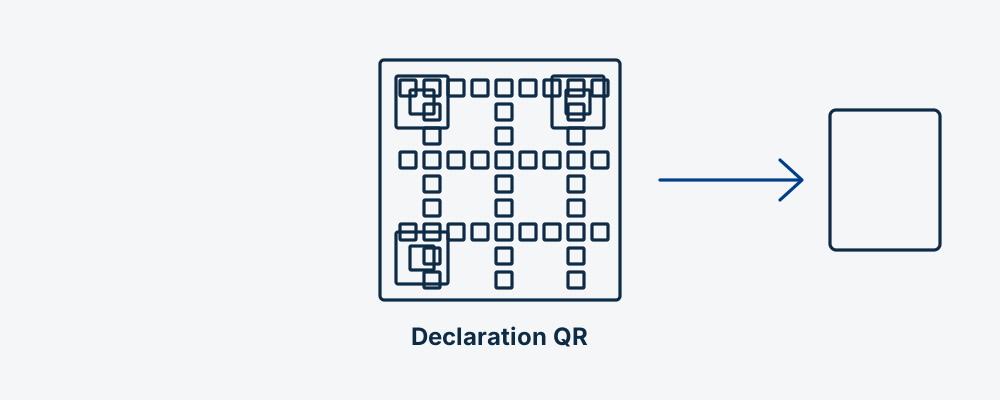
What the QR code actually is
A QR code is not a document. It is a pointer. When the officer scans it, their system pulls up the declaration record you submitted and displays it on their side. Nothing sensitive is written on the paper you are holding in a form a stranger could read.
That distinction matters for two practical reasons. First, a blurry or cropped screenshot can still fail even if you can "see" the code, because the scanner needs the full quiet border around the square. Second, the code is worthless if the underlying submission was never completed — a half-filled form that timed out does not produce a valid code.
What sits behind it, according to how the declaration is structured, is the identity and travel information you entered: who you are, why you are travelling, how long you plan to stay, where you will be staying, and your customs answers. We do not publish field names or screen-by-screen labels, because the portal changes and you should read what is actually in front of you.
In brief: the QR code is a key to your record, not the record itself. Keep it complete and legible.
How and when it reaches you
The normal flow is straightforward. You complete the declaration on the official portal at belizetravel.immigration.gov.bz, you send it, and the confirmation with the QR code appears on screen and is emailed to the address you provided.
Two habits save people a lot of trouble:
- Do not close the confirmation screen immediately. Screenshot it or save it as PDF before you navigate away. The on-screen copy is the fastest one to secure.
- Check the email address twice before submitting. A single typo sends your confirmation into the void, and recovering it later is far more annoying than checking now.
Remember that the declaration has a submission window of the order of 72 hours before arrival, so the QR code is something you obtain shortly before you fly, not weeks in advance. If you want the timing rules in detail, see our guide to the 72-hour window.
Good to know: confirm current timing and portal behaviour on the official Belize Immigration site before you travel. We are an independent paid assistance service, not the government of Belize, and the authority can change its process without notice.
In brief: submit, capture the screen, then confirm the email arrived.
Where you will be asked for it
Belize introduced the online declaration at the Philip S. W. Goldson International Airport (PGIA / BZE) first, and extended it to all ports of entry afterwards. In practice you should expect the code to be requested in three kinds of place.
- Immigration at PGIA. The first desk after you leave the aircraft. The officer checks your passport, scans or reads the code, and confirms the details of your stay.
- Customs at PGIA. After baggage reclaim. Because the Belize declaration merges immigration and customs into one submission, there is no separate paper customs card to fill in at the carousel.
- Land border posts. At Santa Elena, opposite Chetumal on the Mexican side, and at Benque Viejo del Carmen, opposite Melchor de Mencos on the Guatemalan side. Sea arrivals — cruise calls at Belize City and water taxis from Puerto Barrios or Livingston — follow the same logic.
Have the code out before you reach the desk. The queue is not the place to unlock a phone, open an email client and wait for images to load.
In brief: immigration, customs and land posts all expect the same code. Have it ready in advance.
Keeping it usable without internet
This is the single most useful section of this article. Assume you will have no data connection at the moment you need the code, and build three layers of backup.
| Copy | How to make it | Why it helps |
|---|---|---|
| Screenshot | Capture the confirmation screen on your phone | Fastest to show; works in airplane mode |
| Save or print-to-PDF into your phone's files app | Survives gallery clean-ups and reinstalls | |
| Printed sheet | One A4 page per traveller, kept in your passport | Works with a flat battery and in bright sun |
| Cloud copy | Email to yourself plus a note in a cloud drive | Recovery route if the phone is lost |
| Travel companion | Send a copy to whoever you travel with | Covers a single lost or broken device |
A few refinements that genuinely matter:
- Turn screen brightness up before you present the code. Scanners struggle with dim displays and aggressive dark modes.
- Remove any screen protector glare by tilting slightly rather than pressing the phone against the reader.
- If you save a screenshot, check it is not cropped. The white margin around the square is part of the code.
- Do not rely on a photo of a phone screen taken with another phone. The moiré pattern often defeats the scanner.
Good to know: printing costs nothing next to the cost of a missed connection. If you are travelling with children or older relatives, print for everyone and keep the sheets together.
In brief: screenshot, PDF and paper. Three layers, no connectivity required.
One code per person, per journey
Two rules trip people up repeatedly.
One per person. Every traveller has their own declaration and therefore their own code, including minors. A family of four arrives with four codes, not one. If you filled the form for your family, check that you actually completed and submitted four separate declarations rather than one with four names typed into it.
One per journey. The declaration covers a specific movement across the border. If you leave Belize and come back — a few days in Tikal, a weekend in Chetumal — that is a new entry and it needs a new declaration and a new code.
Keep the codes labelled. On a phone, rename the PDFs with the traveller's surname. On paper, write the name in pen at the top. Sorting four identical black-and-white squares at the desk while a queue builds behind you is avoidable.
In brief: count your codes before you fly. One per traveller, one per crossing.
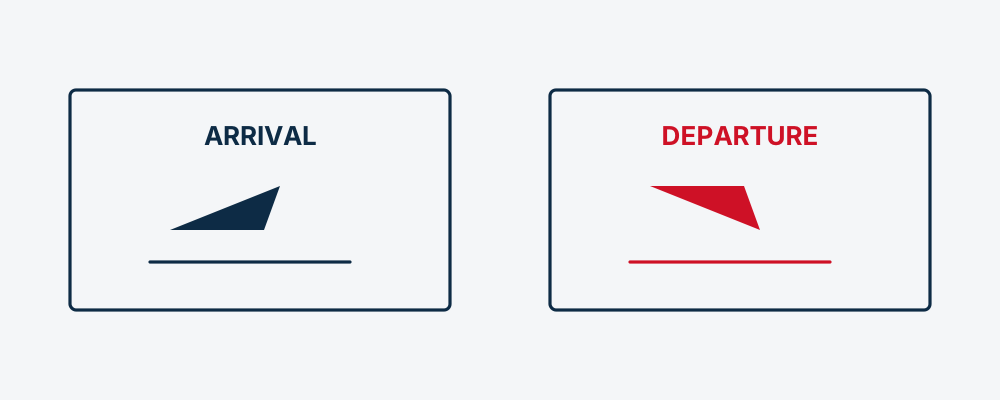
Arrival and departure are not the same code
The Belize system has both an arrival and a departure declaration. They are separate submissions, and the code you were given on arrival is not the one you present when you leave.
This is the most common misunderstanding we see. Travellers keep the arrival confirmation carefully, arrive at the airport a week later, and discover they never made a departure declaration at all. Our dedicated article on arrival and departure declarations explains how to plan both without stress.
In brief: two movements, two declarations, two codes.
If the email never arrives
Missing confirmations are usually one of four things, in this order of likelihood.
- Spam or promotions folder. Search your entire mailbox for the sender domain rather than scrolling the inbox. Corporate mail filters are especially aggressive with automated system mail.
- A typo in the address. One wrong character and the message went somewhere else. This is why capturing the on-screen confirmation matters so much.
- Delay. Automated mail can lag. Give it a reasonable interval before assuming failure.
- The submission never completed. If the session dropped before the final step, there is no record and no code. In that case you simply submit again.
Before you resubmit anything, check whether you already have a record. Our status page is the place to start if you applied through us. If you submitted directly on the official portal, use the retrieval route the portal itself offers.
In brief: search the whole mailbox first, verify the address second, resubmit only as a last step.
When the code will not scan
It happens, and it is rarely a disaster. Officers can look up your record by passport and name if the scan fails, which is exactly why the underlying submission matters more than the image.
Practical fixes, in the order worth trying:
- Increase brightness and disable auto-dimming.
- Open the PDF rather than the screenshot, or the reverse.
- Hand over the printed sheet.
- Give the officer your passport and explain that the declaration was submitted — they can search for it.
What not to do: do not start filling in a new declaration in the queue on airport wifi. You will end up with two records and a slower conversation.
In brief: a failed scan is a lookup, not a rejection. Stay calm and hand over paper.
Common mistakes worth avoiding
- Saving the code only in an email app that needs data to render images.
- Assuming a screenshot of a boarding pass is the same thing. It is not.
- Sharing your code publicly on social media. It points to your personal record.
- Letting the phone battery die between the aircraft door and immigration.
- Filling one declaration for a couple and assuming both are covered.
If you want the full catalogue of avoidable errors, our article on common declaration mistakes covers the ones that cost people time at the desk.
In brief: the failure modes are mundane. Plan for them and they disappear.
Situation and what to do
| Situation | What to do |
|---|---|
| Confirmation email has not arrived | Search spam and all folders for the sender domain before doing anything else |
| You mistyped your email address | Use the on-screen capture you saved; if none, retrieve the record through the portal |
| Phone battery died | Present the printed sheet you prepared |
| Scanner will not read the code | Raise brightness, try the PDF, then hand over the printout |
| You cannot find the code at all | Give the officer your passport and explain the declaration was submitted |
| You made only one declaration for the family | Each traveller needs their own; complete the missing ones before travelling |
| You are leaving and re-entering Belize | Submit a new declaration for the new entry |
| You are flying out of PGIA | Check you have a departure declaration, not just the arrival one |
| Details on the record are wrong | Do not scratch out anything on paper; ask about correction on the portal |
| You are crossing by land to Mexico or Guatemala | Expect exit formalities and fees separate from the declaration itself |
In brief: almost every problem has a calm, one-line answer. Print this table if it helps.
Fitting the QR code into your trip
Think of it as three moments rather than one task.
Before you fly. Within the submission window, complete the declaration, capture the screen, confirm the email, print. Fifteen minutes, done once.
On arrival. Code out before the desk. Brightness up. Passport in the same hand.
Before you leave. Handle the departure declaration in good time, whether you go out through PGIA, cross into Mexico at Santa Elena, head for Guatemala at Benque Viejo del Carmen, or take a water taxi south. If you are leaving overland, read our guide to land borders and exit fees first, because the money side of the crossing is separate from the declaration.
In brief: three short moments, spread across the trip, none of them difficult.
Key points
- The QR code is the receipt of a completed declaration and a pointer to your record, not a document in itself.
- It normally arrives by email after submission on the official portal, and appears on screen first.
- Immigration and customs at PGIA, and officers at land and sea entry points, all work from it.
- Save it three ways: screenshot, PDF and printed sheet. Assume no connectivity.
- One code per traveller and per crossing; arrival and departure are separate declarations.
- A failed scan is not a rejection — officers can find your record by passport.
FAQ about the Belize declaration QR code
Is the QR code the same as a visa?
No. It confirms that you submitted the immigration and customs declaration. Entry permission is a separate decision made by the officer at the border, based on your passport, nationality and circumstances.
How long after submitting does the code arrive?
Usually within minutes, but automated mail can be delayed. Capture the confirmation screen at the moment of submission so you are never waiting on an email you cannot control.
Can I use one code for my whole family?
No. Each traveller needs their own declaration and their own code, children included. Check that you completed a separate submission for every person before you travel.
Does the same code work for arrival and departure?
No. Belize uses separate arrival and departure declarations, so you will hold different confirmations for each movement. Plan the departure one in good time.
What if my phone has no signal at the airport?
That is expected, and it is why you save the code offline. A screenshot in your gallery, a PDF in your files app and a printed sheet all work with no connection whatsoever.
Can I show the code on a smartwatch?
It is not worth the risk. Small, curved and dim screens are exactly what scanners struggle with. Use a phone at high brightness, or paper.
Is my personal data readable in the QR code?
The code functions as a reference to your record on the immigration system rather than a printed copy of your answers. Even so, do not post it publicly — it identifies your submission.
What happens if I lose the code entirely?
Give the officer your passport and explain that the declaration was submitted. They can search for the record. Do not create a duplicate submission while standing in the queue.
Do I need to print it, or is a screen enough?
A screen is normally enough. Paper is a backup for flat batteries, cracked screens and bright sunlight at land crossings. Printing is cheap insurance.
Can I submit the declaration weeks before my trip?
No. There is a submission window of the order of 72 hours before arrival, so the code is obtained shortly before travel. Confirm current timing on the official portal before you plan around it.
Last updated: July 2026. Entry rules change; always confirm current requirements on the official Belize Immigration portal before you travel.